Ordering cards for a sales force spread across several cities is hard. Names change, roles shift and event dates do not wait. This guide shows how to organise business card printing so every salesperson gets accurate, on-brand corporate business cards, with practical support from Roz Ads.
Why Does Business Card Printing Need Careful Planning for Large Teams?
One typo on a thousand cards means a reprint. Planned corporate business card printing protects your brand and budget. Big groups normally have these issues:
- Incorrect phone numbers or designation on all bulk business card printing forms.
- Inconsistency in logos or colors in different departments.
- Stocks left unused after the transfer
- Business cards delivered late when the event has already begun.
- Printing cost for reprint which cuts into the stationery budget
- Poor paper quality making one group distinct from another
- Inconsistency in who approves the business card version
7 Essential Steps to Plan Business Card Printing for Sales Teams
Just follow the below-mentioned seven steps in the following sequence, and you'll be able to maintain accuracy in your bulk business card orders.
Collect and Verify Employee Contact Details
Build one master sheet and ask HR or team leads to confirm every entry. It speeds up employee business card printing. Row must contain:
- Complete name and designation
- Mobile number and official email ID
- Office address or branch name
- QR code link in case of use
- Reporting to manager/team name in case of mention in the card.
- Sign off by HR or the team leader in case of the last page
- Maintained email format for all individuals
Standardise Business Card Designs Across Departments
The approved templates will determine where the logo goes, the colours used, the fonts, and the layout, ensuring that business card design is uniform for all branches. Limited alterations include:
- Different title line for higher positions
- Regional address for branch personnel
- Back layout uniformity, such as a tagline or QR code
- File name system for each template
- Single accent color for each department
Choose Suitable Paper GSM and Finishing Options
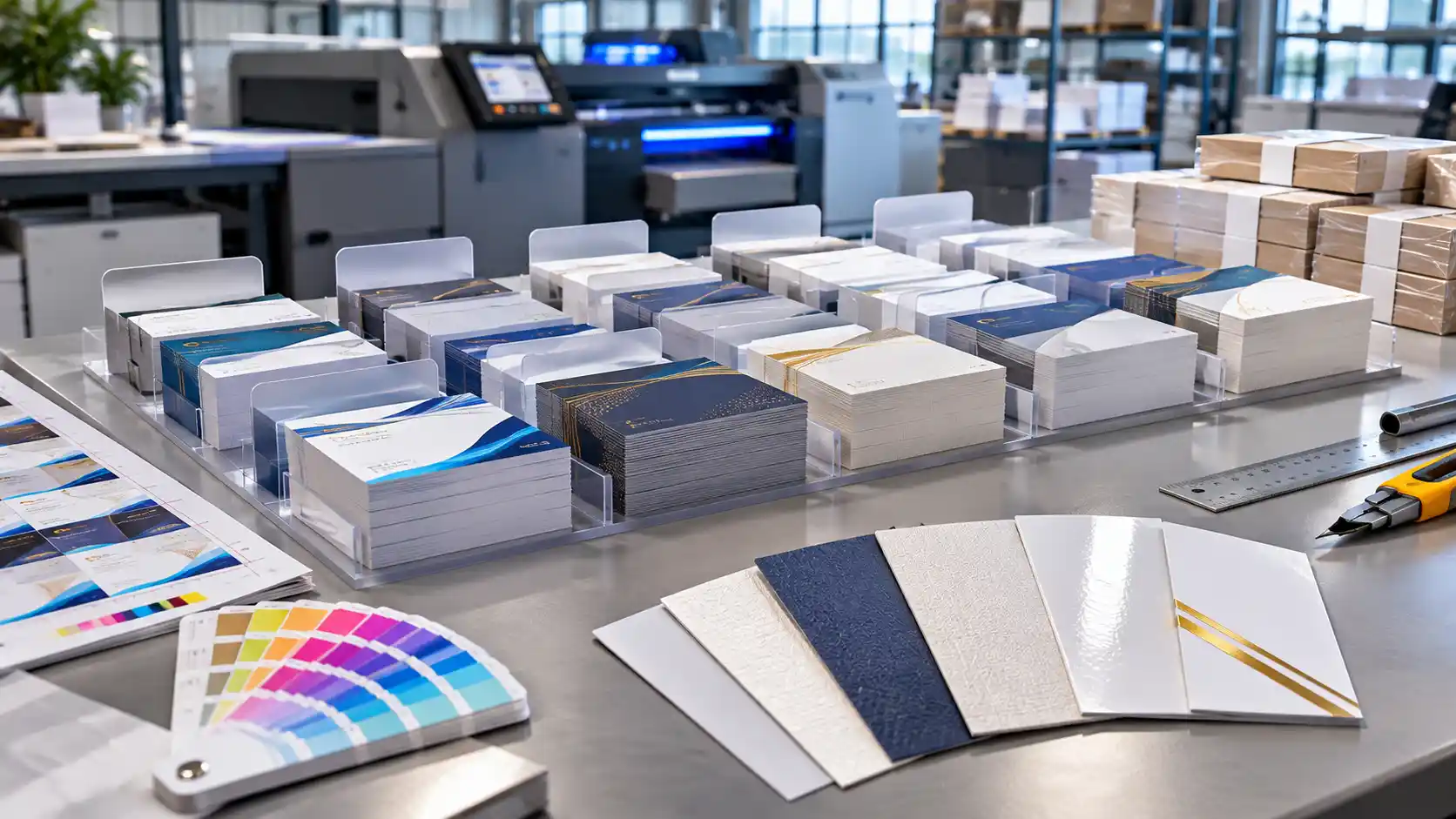
Daily sales cards and executive cards need different stock. Choose the business card paper GSM by usage and approved budget. Custom business card printing makes the split easy:
- 300 GSM matte for daily field sales staff
- 350 GSM or heavier for managers and directors
- Glossy coating for bright, colourful brand palettes
- Special finishes for premium executive cards
- Soft-touch or textured coating for brand-led premium cards
- Rounded corners or foil accents for senior leadership
- Uncoated stock where people need to write on the card
Prepare Print-Ready Artwork for Every Employee
Since the design template has been approved, the designing business card artwork will be easy, as only the content is being altered. The specifications for the print-ready business cards are as follows:
- Images must be in resolution of 300dpi or more
- 3mm bleed with all the texts in safe margin area
- Color mode – CMYK
- Fonts embedded or outlined
- Vector files of logo like AI, EPS if available
- Final check of fonts so that no letter moves on the screen
- Checking of print area with standard card size
Review Digital Proofs Before Bulk Production
Strong business card printing quality starts with a careful proof review. Give business card proof approval to one named person, who checks each proof for:
- Spelling of every name and designation
- Phone numbers and email addresses
- Logo position and alignment
- Colour match with brand guidelines
- Text alignment across all employee cards
- QR code scan, tested on a phone
- Brand colours compared with an earlier approved print
- A physical sample, for premium or colour-sensitive jobs
Organise Cards by Employee, Department and Branch
Sorting saves hours on arrival. Corporate business card bulk orders work best with a simple packing method:
- One labelled pack for each employee
- Packs grouped by department
- Branch-wise cartons with a distribution list
- Employee name on every pack for quick hand-over
- A packing list placed inside each carton
- Spare cards set aside for last-minute joiners
Create a Repeat-Order Process for New Employees
Keep these approved templates available so that business card reordering will be done in minutes and corporate stationery printing consistently.Update the database after:
- A new joiner on the team
- A promotion or title change
- A new phone number or email
- A change in office address or branch
- A new designation after restructuring
- The saved artwork file and its latest version number
- A fixed review date for the full database
How to Calculate Business Card Quantities for Large Sales Teams
Base your business card bulk quantity on real usage. Here is a worked example:
- Team size: 40 salespeople
- Monthly use: About 20 cards each
- Trade shows: 40 extra cards each
- Three-month supply: 100 cards per person, or 4,000 in total
- Rounded to the nearest 50 or 100, so packs stay easy to count
- Higher counts for roles that meet clients daily
- A separate allowance for managers who run events
Skip a full year of stock, since details change.
Business Card Printing Checklist for Corporate Procurement Teams
This business card printing checklist should be considered before confirming your order. Make sure you have:
- Verified employee data
- Approved templates and artwork files
- Chosen GSM and finish
- Quantity per person and branch
- Signed-off digital proof
- Packaging and labelling instructions
- Delivery dates and addresses
- Approval from the procurement head
- Contact person for delivery follow-up at each branch
- Backup copy of approved files
How to Plan Printing and Delivery for Multiple Office Locations
Work backwards from the date the cards are needed. Reliable bulk business card delivery depends on that schedule. Plan for:
- Branch-wise quantities
- Staggered dispatches, with urgent branches first
- Employee-specific packs
- Delivery confirmation from every office
- Buffer days for courier delays
- A tracking list shared with branch managers
- Separate deadlines for event branches
Common Mistakes to Avoid in Bulk Business Card Printing
These business card printing mistakes cost teams the most time and money:
- Outdated employee details
- Different templates for each branch
- Printing without proof approval
- Thin paper for premium roles
- Ordering too much stock
- Placing the order days before an event
- Skipping a sample on colour-critical jobs
- Keeping no backup copy of approved artwork
- Using personal numbers
Why Choose Roz Ads for Corporate Business Card Printing?
Roz Ads has been catering to businesses from India since 2015 and provides business card printing services in Noida. Your business cards will be printed based on your design, card material and quantity. You will receive:
- Options in card material and finish
- Proofing assistance prior to production
- Saved templates for repeat orders
- Mass production with phased delivery
- Quality assurance before shipping
- Delivery assistance for bulk orders
Explore custom business cards on the Roz Ads business card printing page today.
Conclusion
Creating a business card printing plan for the entire sales force is a good way to save resources. Begin with verified information about employees and their design, which should be only one per department. It is important to ensure that you select the right business card paper GSM. It is important to have business card proof approval before you print them. Ensure that you know the number of business cards that would be required and how they can be reordered.
|
Need custom business cards for your sales team? Contact Roz Ads and place your order now.
|
Frequently Asked Questions
A company should calculate business card quantities based on each salesperson’s monthly usage, client meetings and upcoming events. For example, employees using 20 cards monthly may need 100 cards for a three-month supply, including additional cards for trade shows.
The employee’s name, title, company name, mobile number, company email, and office address must all be present on the corporate business cards. The company logo and QR code may be added if they aid in communication with clients and are consistent with the design specifications.
Mistakes can be avoided by maintaining one employee database and verifying all proofs digitally before printing. HR or any team leader should verify names, designation, phone numbers, and emails of employees to make sure that no mistakes are made on thousands of cards.
Paper with 300 GSM would be the ideal one for sales team business cards. If anyone wants to use thick business cards, then 350 GSM would be recommended. It is entirely up to budget and purpose of the card.
The orders must be arranged according to the name, department, and branch where the employee belongs. The cards of each employee must be packed in separate cartons. This will help branch managers get the right quantity of cards without including the wrong employee information and department.
It can be made easier through maintaining approved templates of designs and keeping employee details updated. As soon as a new salesperson joins the company, HR can send the verified information to the printing team. There is no need for the design to be changed.